VC Contact
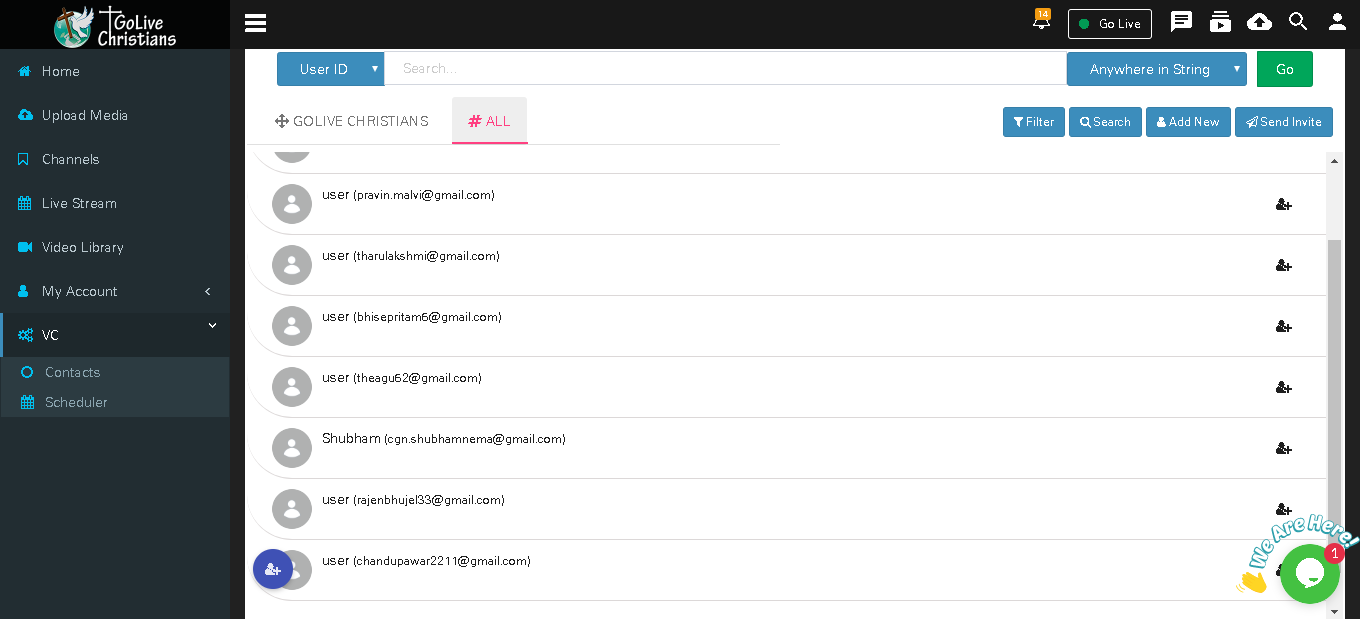
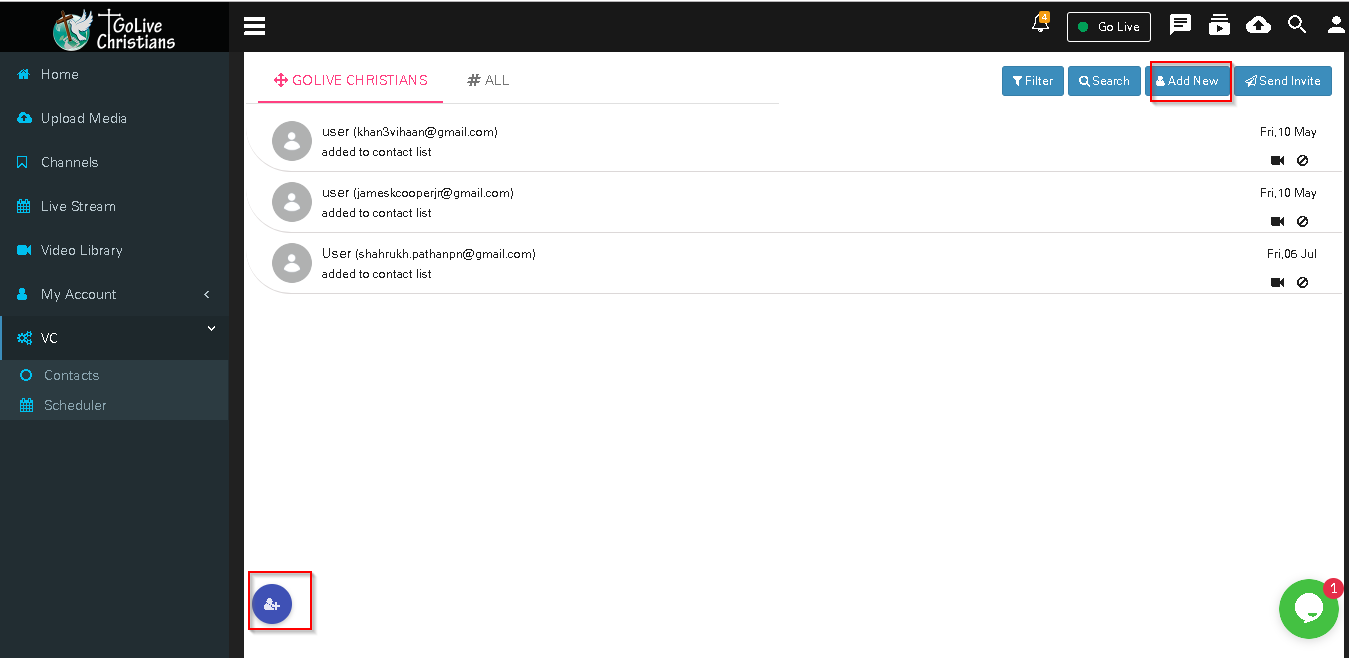
In #All display All Contacts added in application,You can click on + button to add user in your contact list
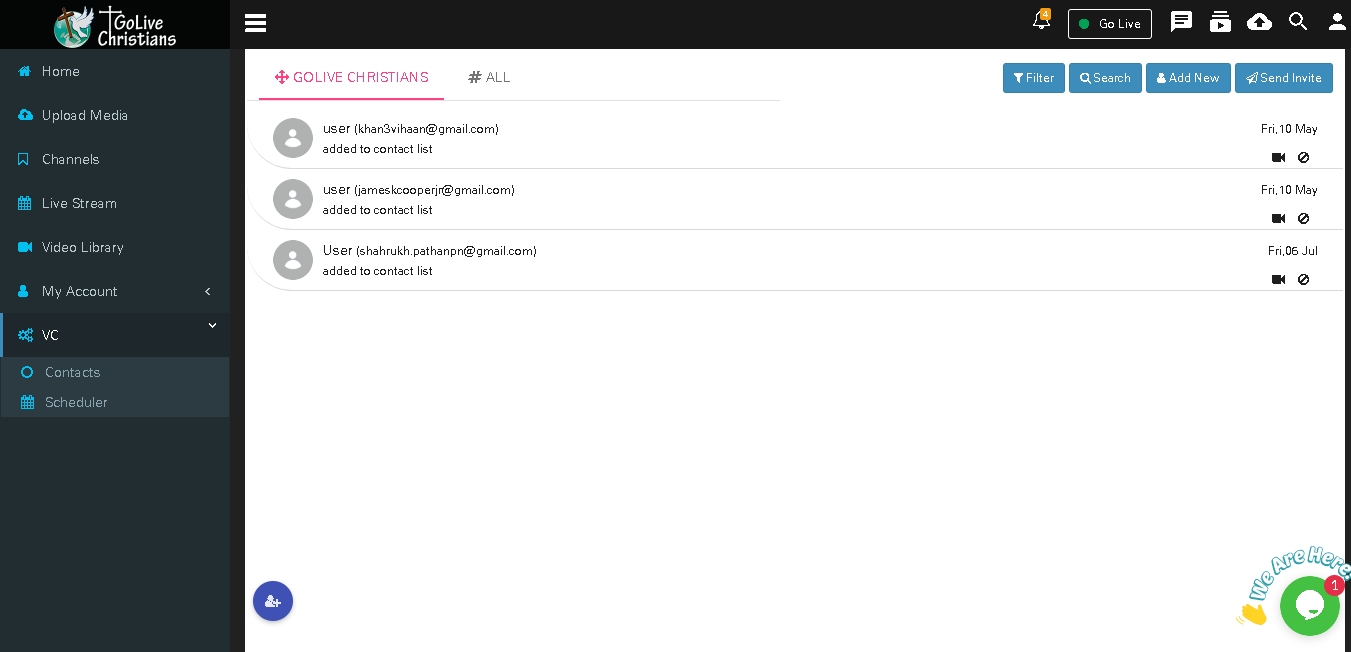
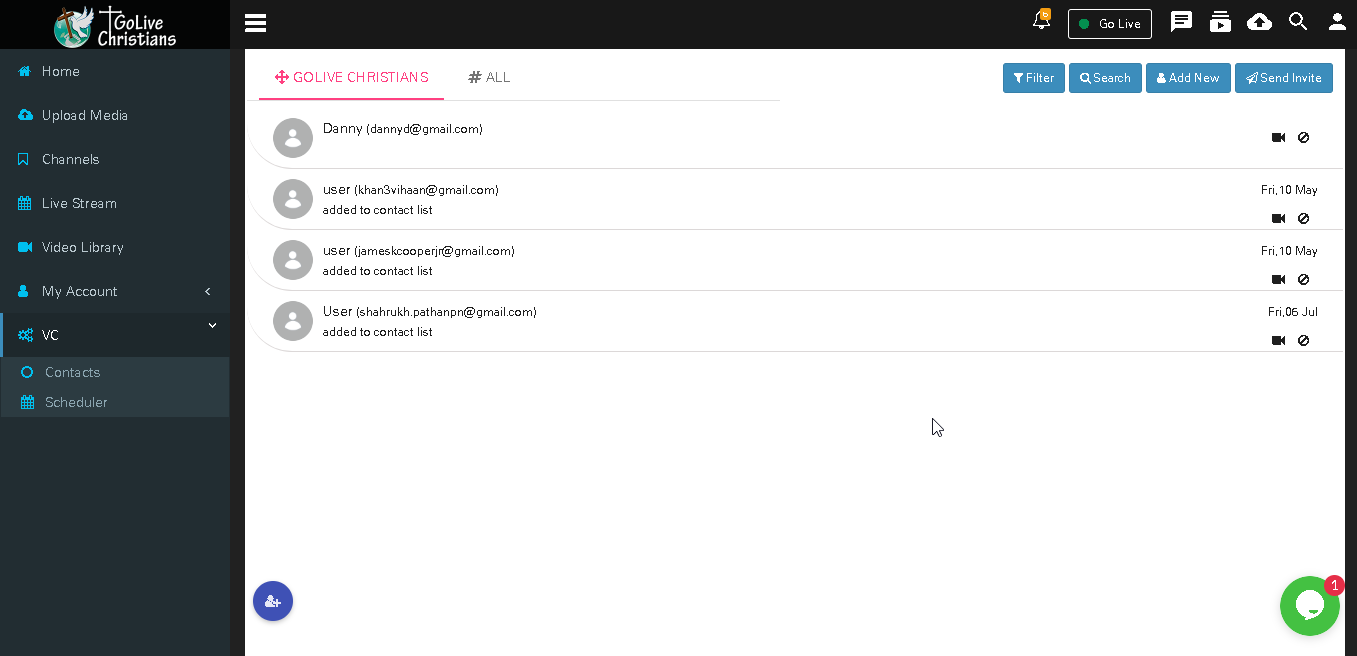
Added Contacts will display in Golive Christians tab
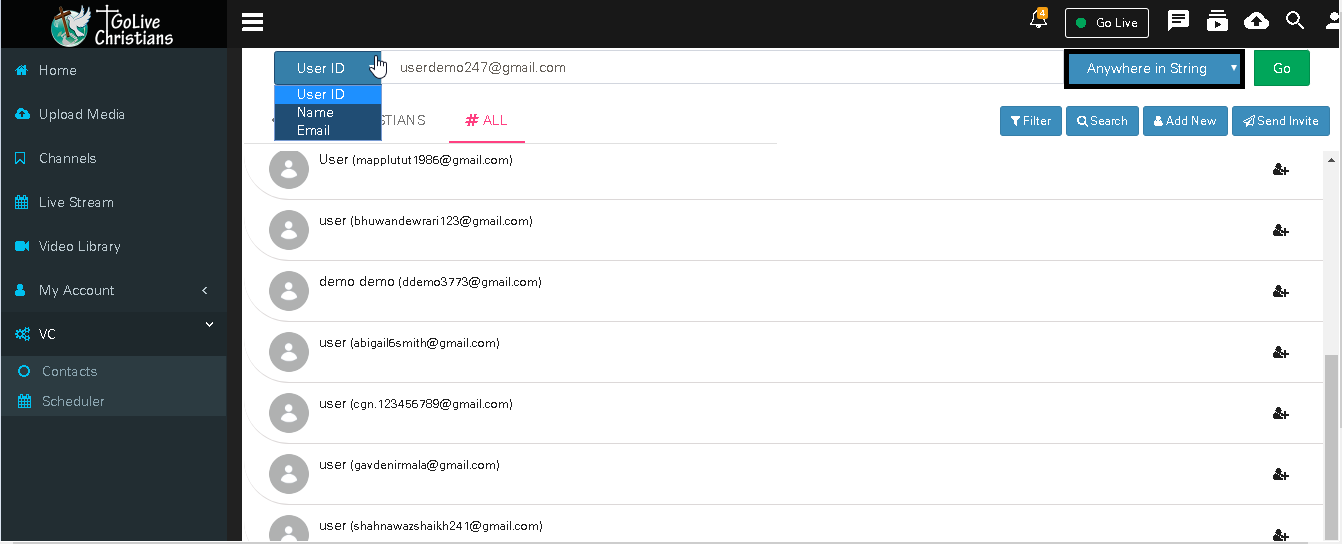
User can search contacts by Used ID,Name or Email
New User can be add from Add new button
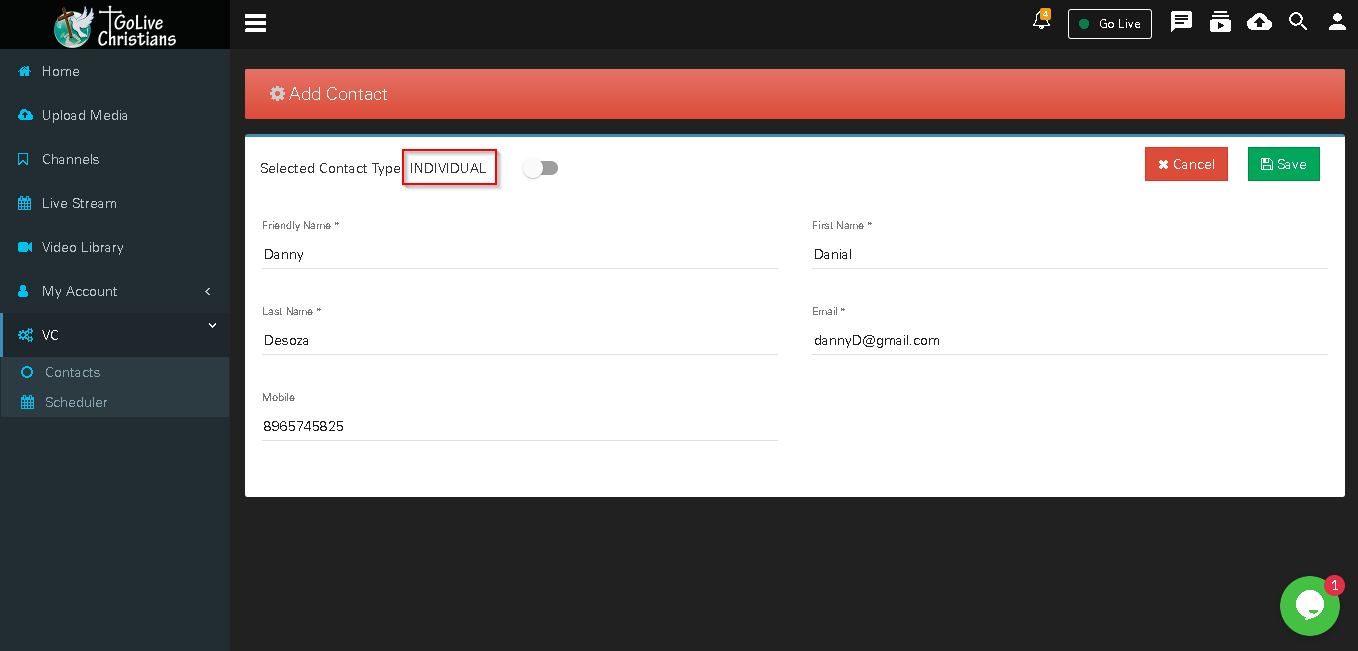
Enter all mandatory information and click on save button, added contact will display in golive christians tabs
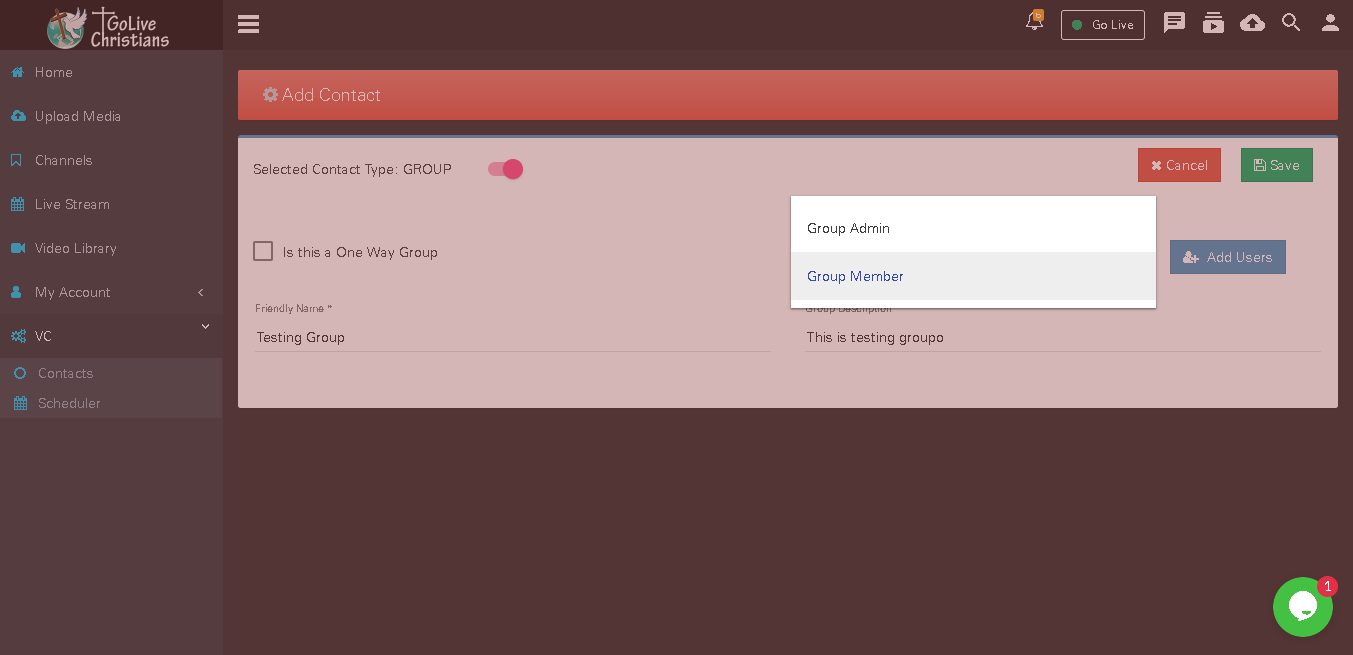
Add Group- User can add group by selecting contact type as Group select appropriate information and add users in group and click on save button.
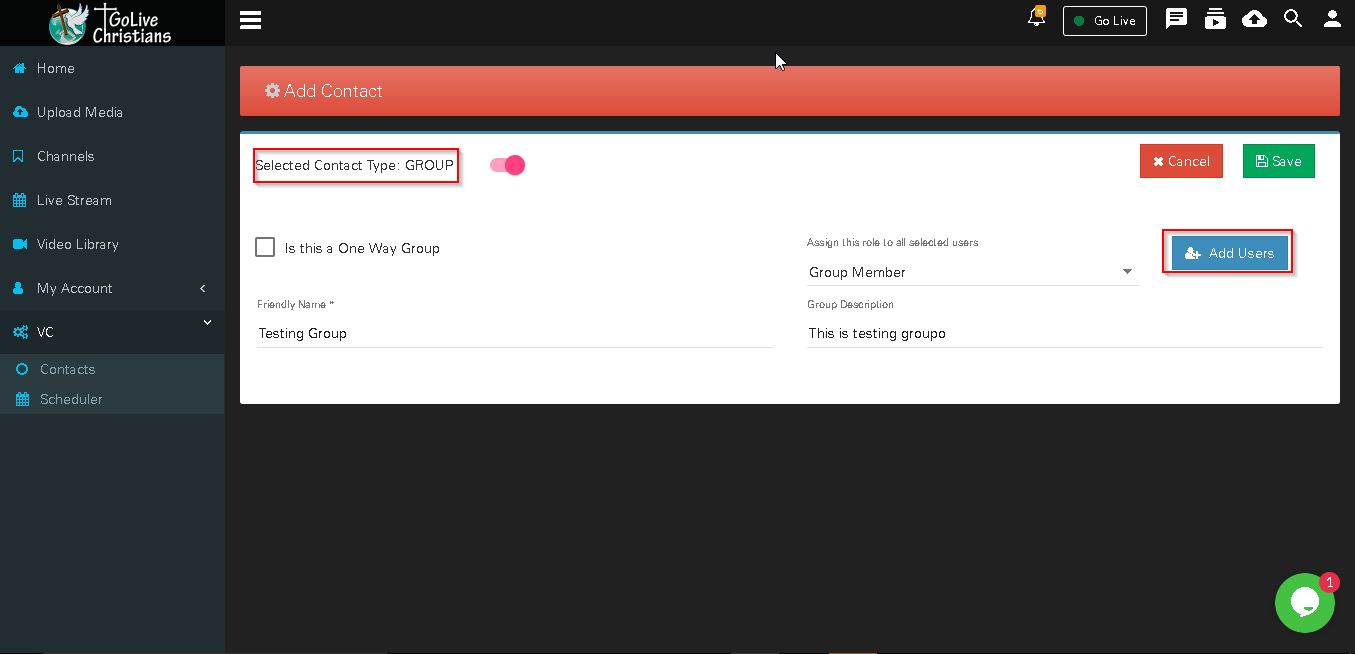
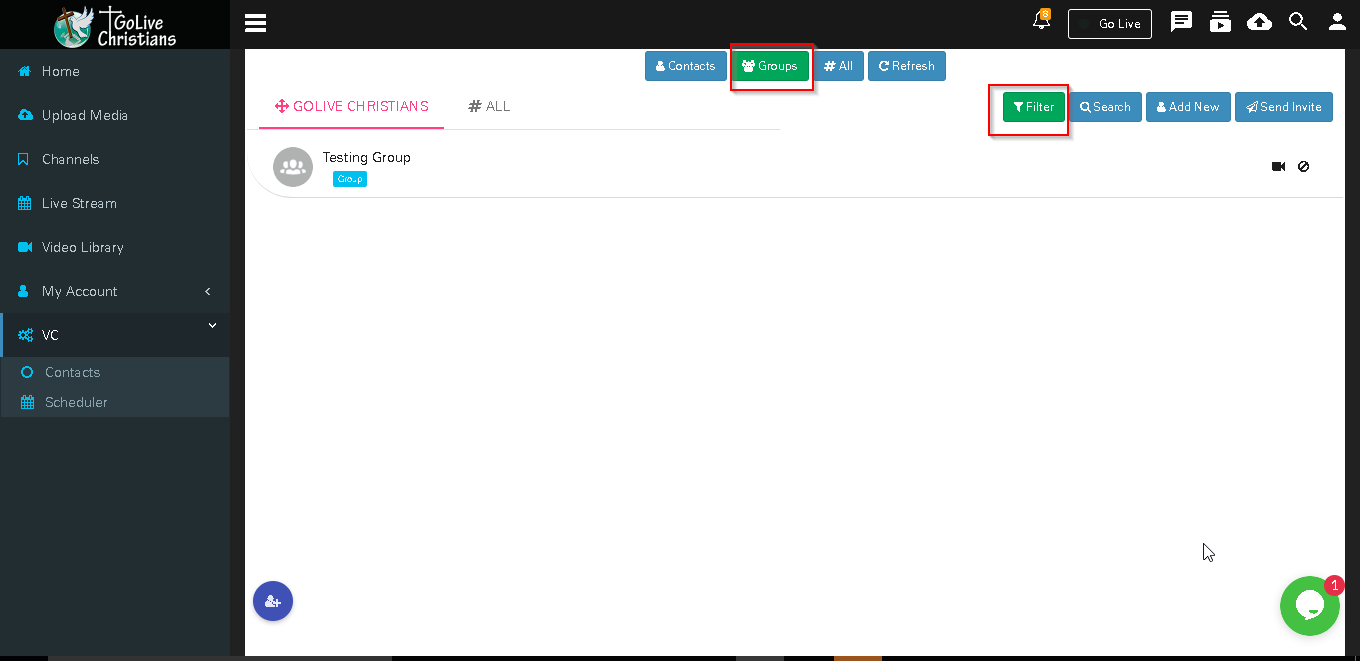
Added Group will displlay in group tab for that click on filter and then select Group
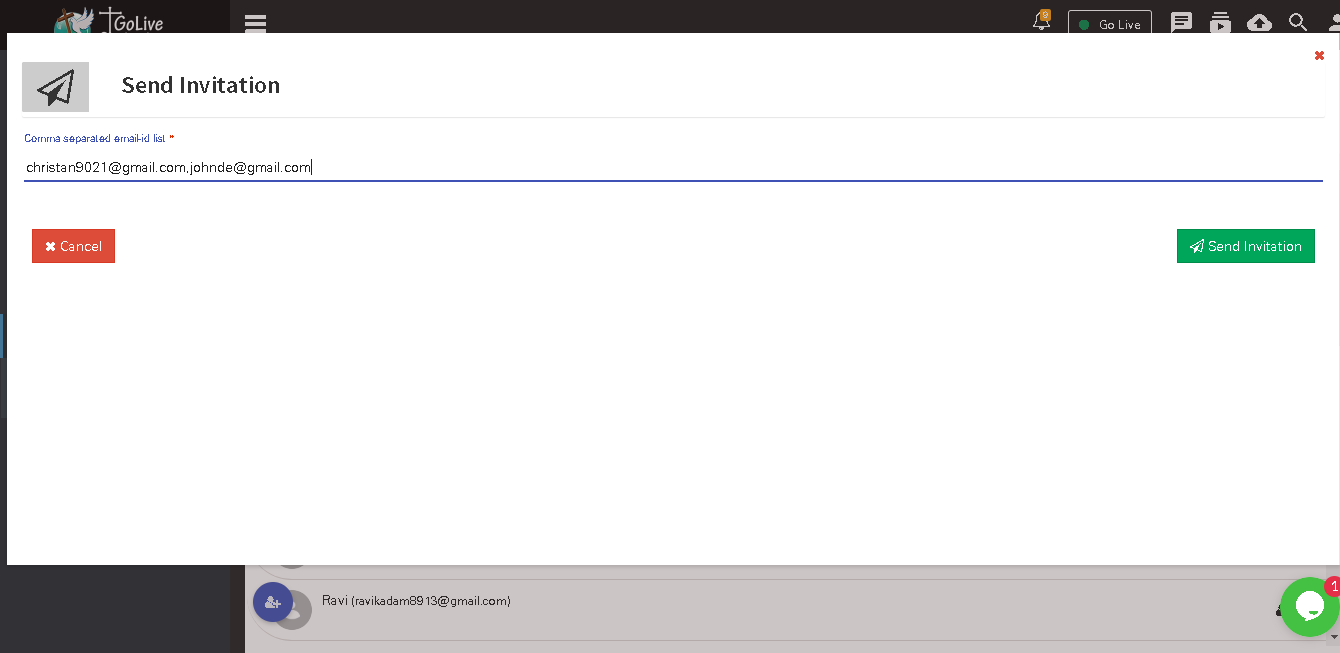
Click on send Invite button to send invitation mail to users
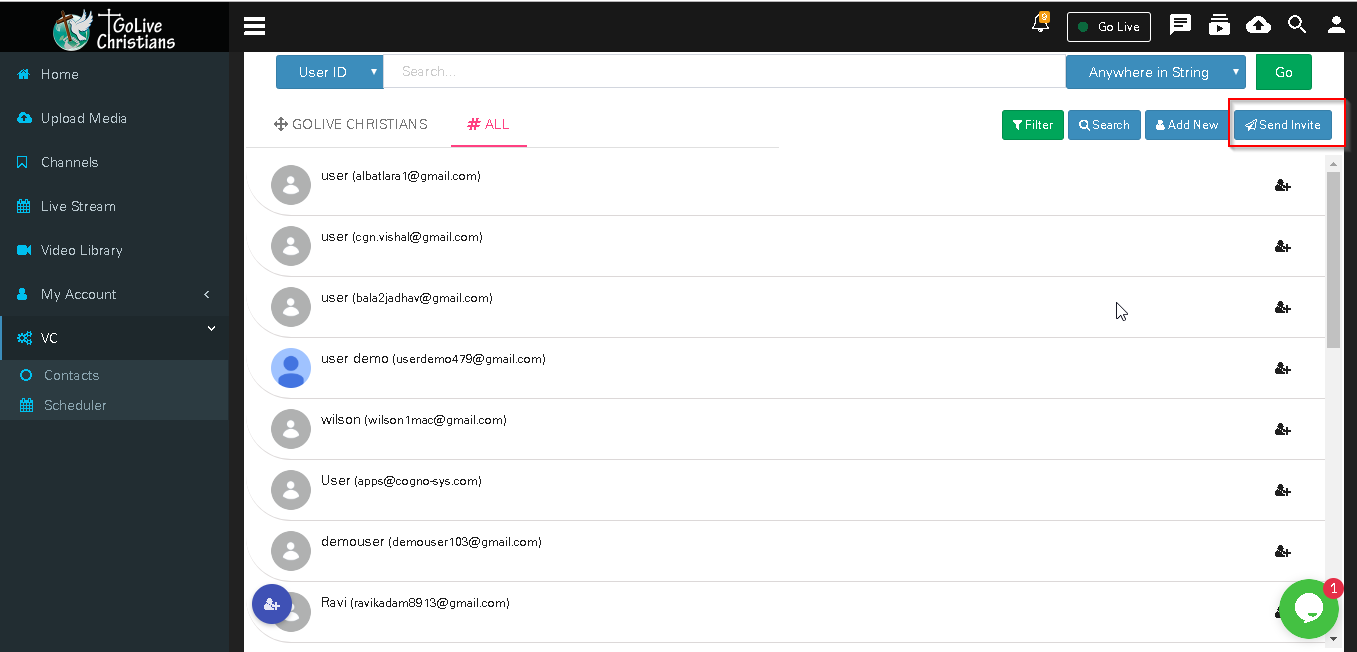
Enter Email ids and click on send invitation button user get invitation email from given email ids