New User Sign up
Login or Register
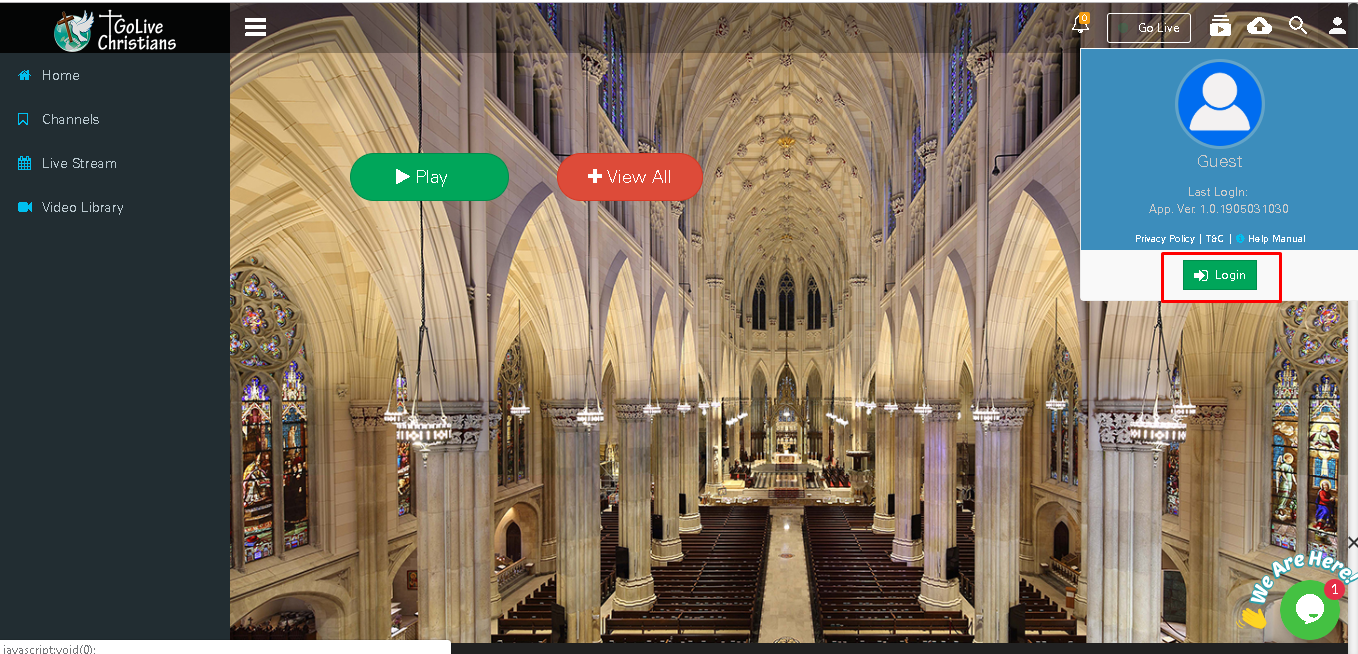
Click on Profile button from top right click on Login button.
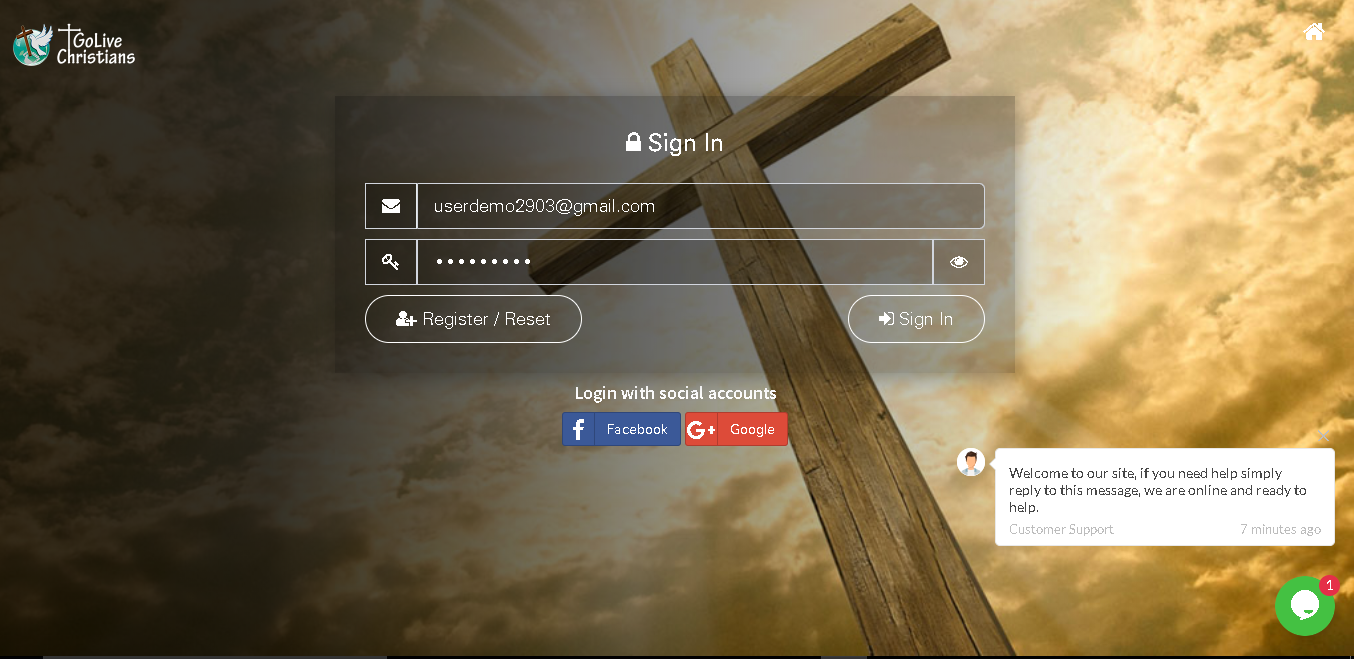
There are 3 options Register/Reset ,Sign In and Login with social accounts.
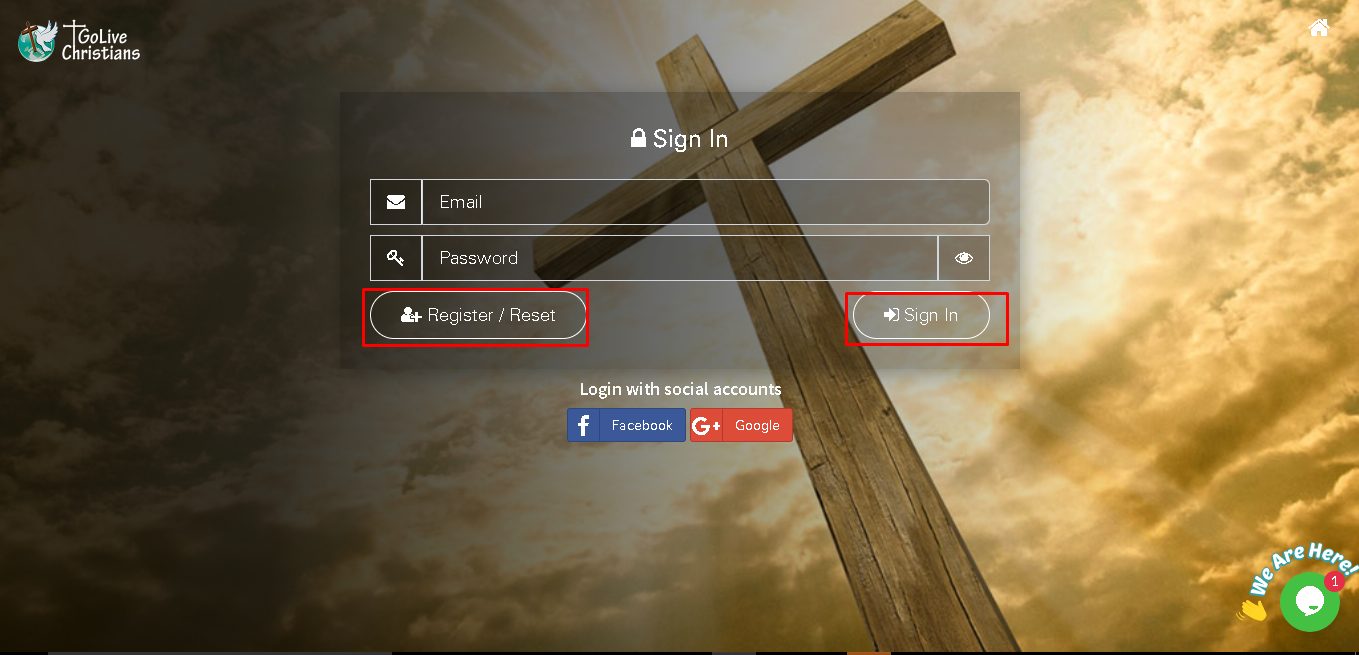
Click on Register/Reset button, Select Email with OTP enter email id and click on send button.
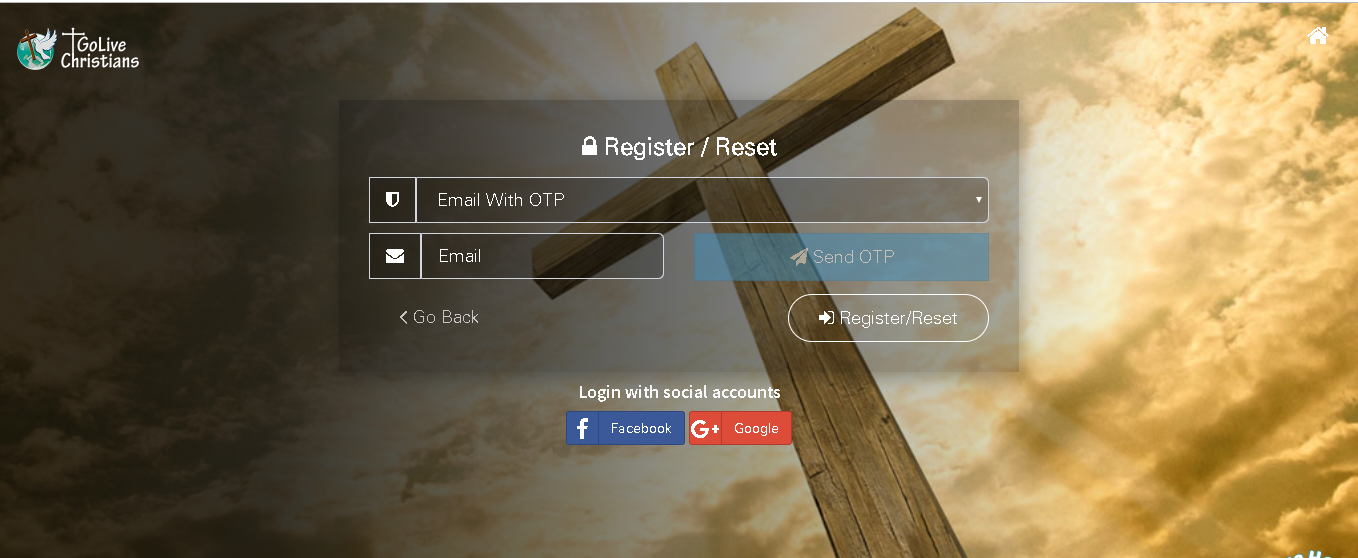
User get OTP on registered email id Copy OTP and paste here and click on register/reset button.
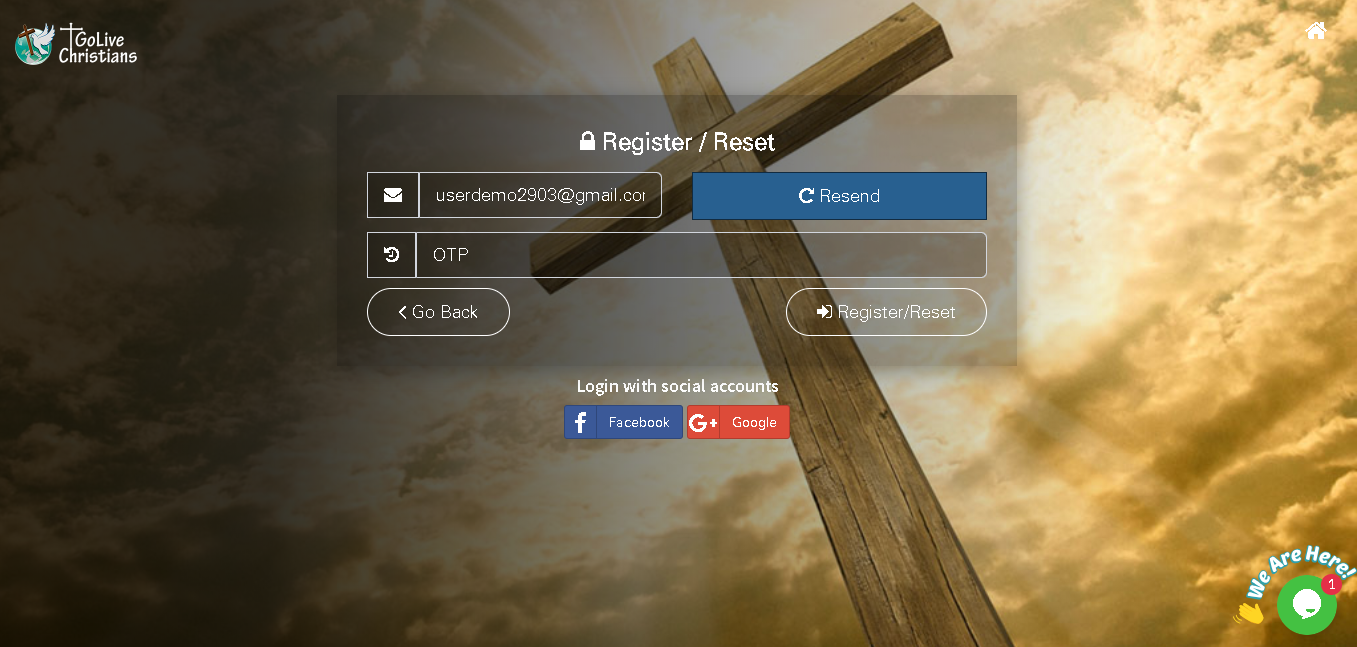
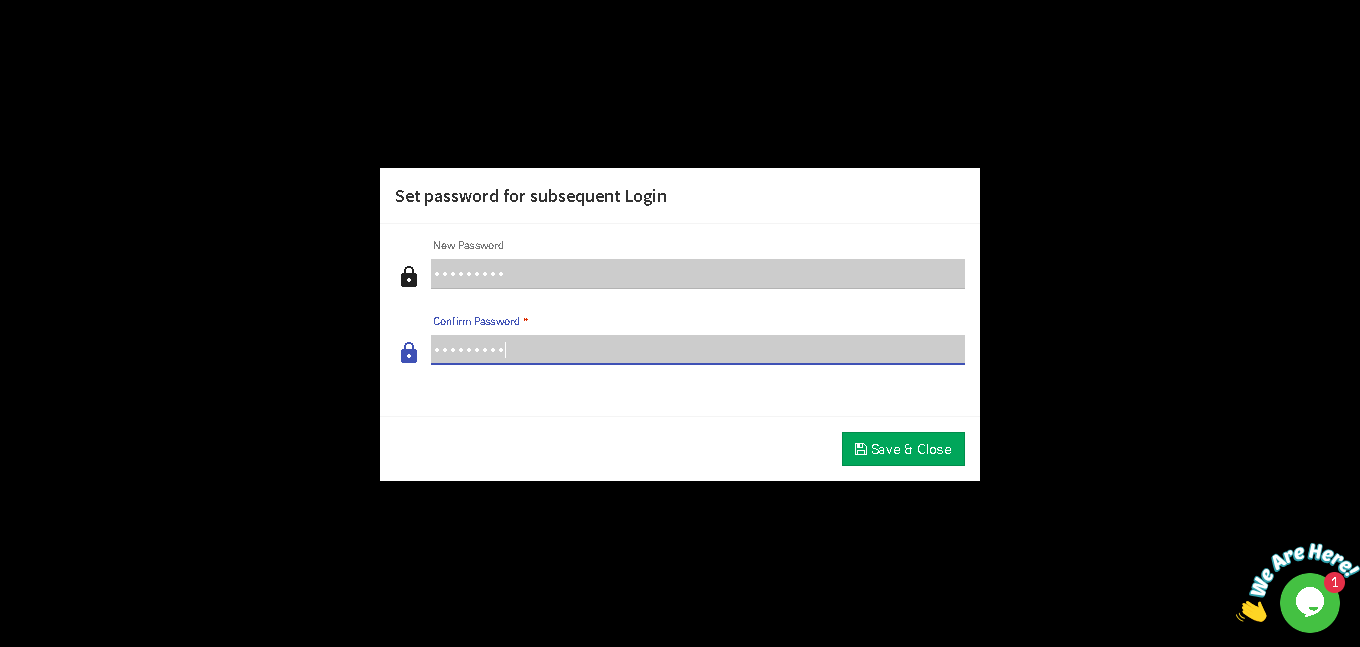
After Click on register/Reset display set password window enter new password and confirm password and click on save & close Button.
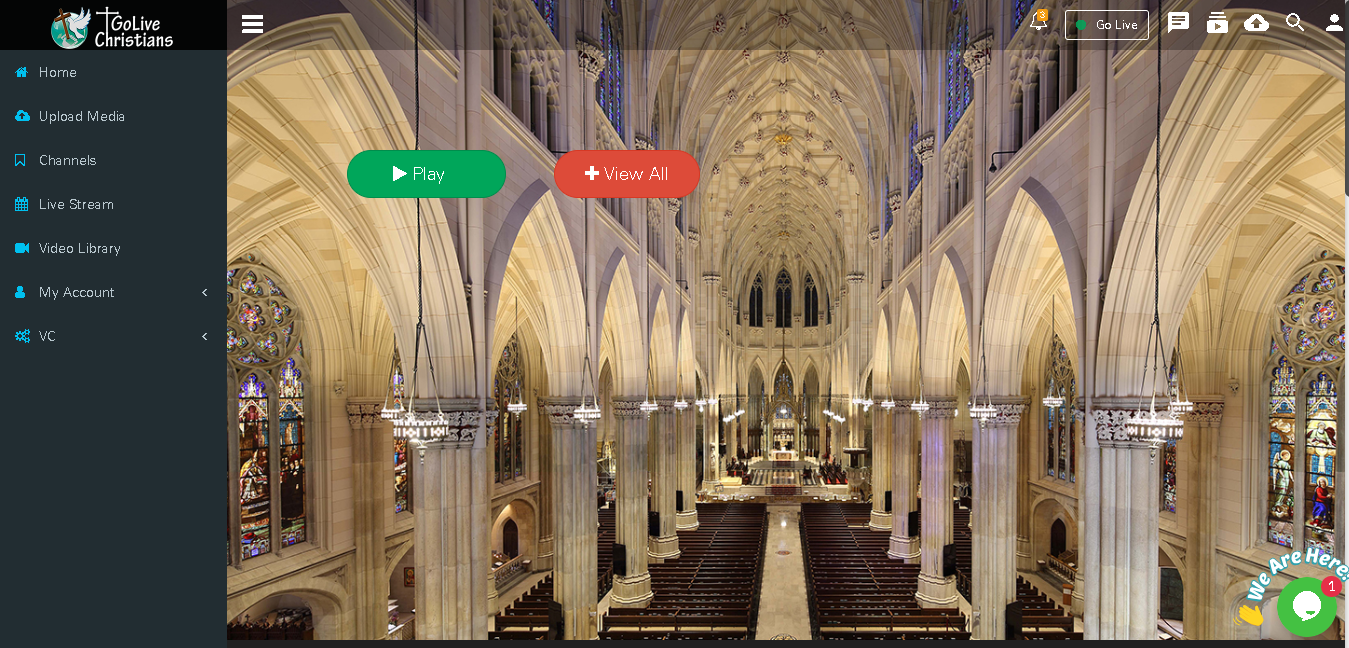
After set password user nevigate to Home page
Sign In
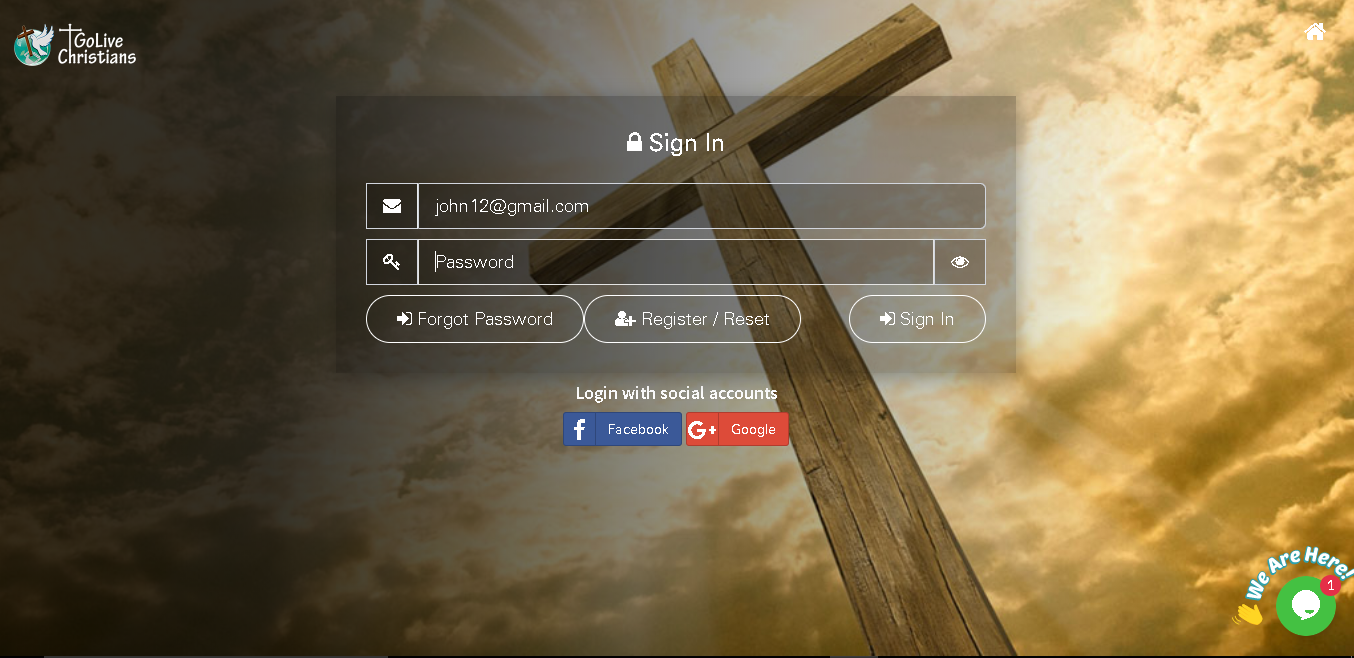
If User already added in application then only need to enter email id and password and click on Sign In button.
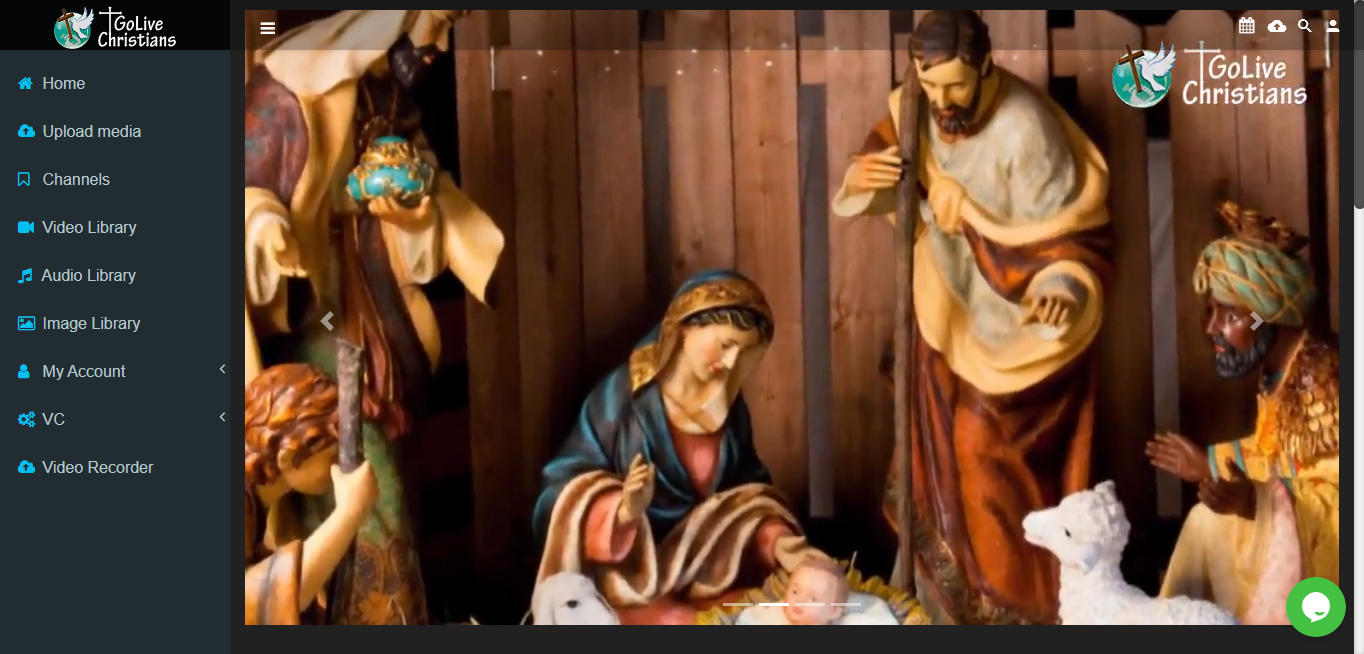
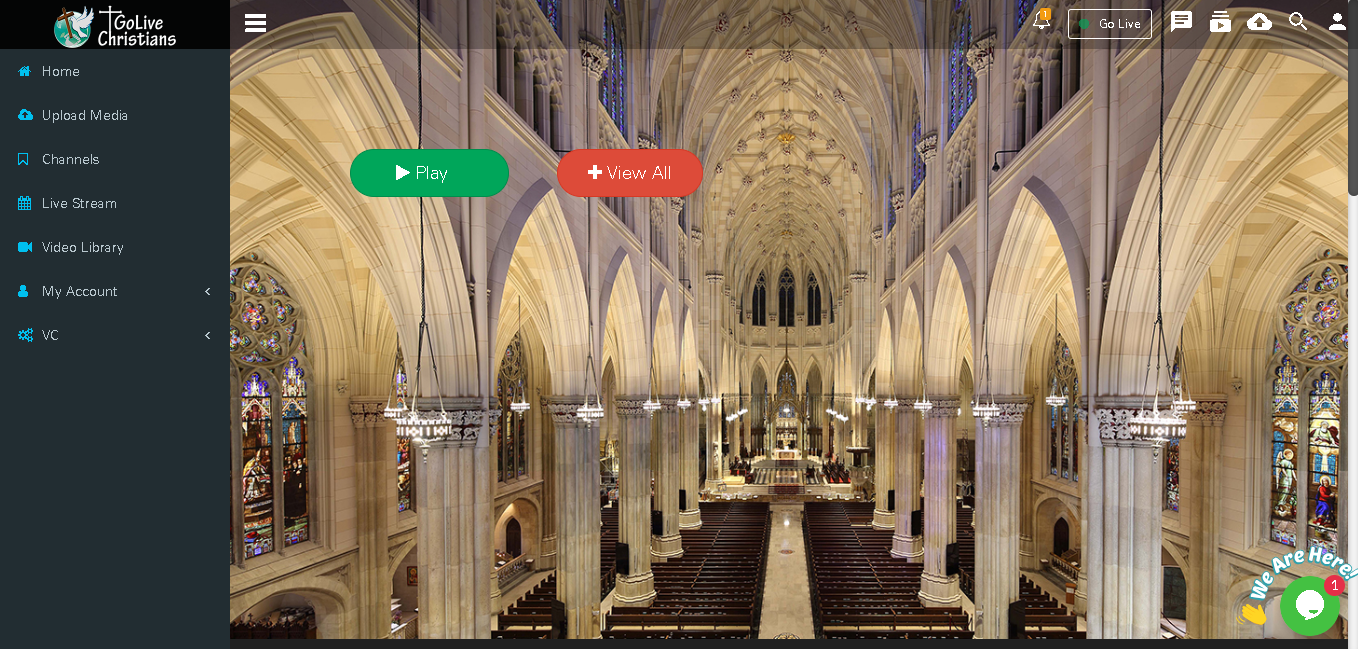
After Sign In user will nevigate to Home page of GLC
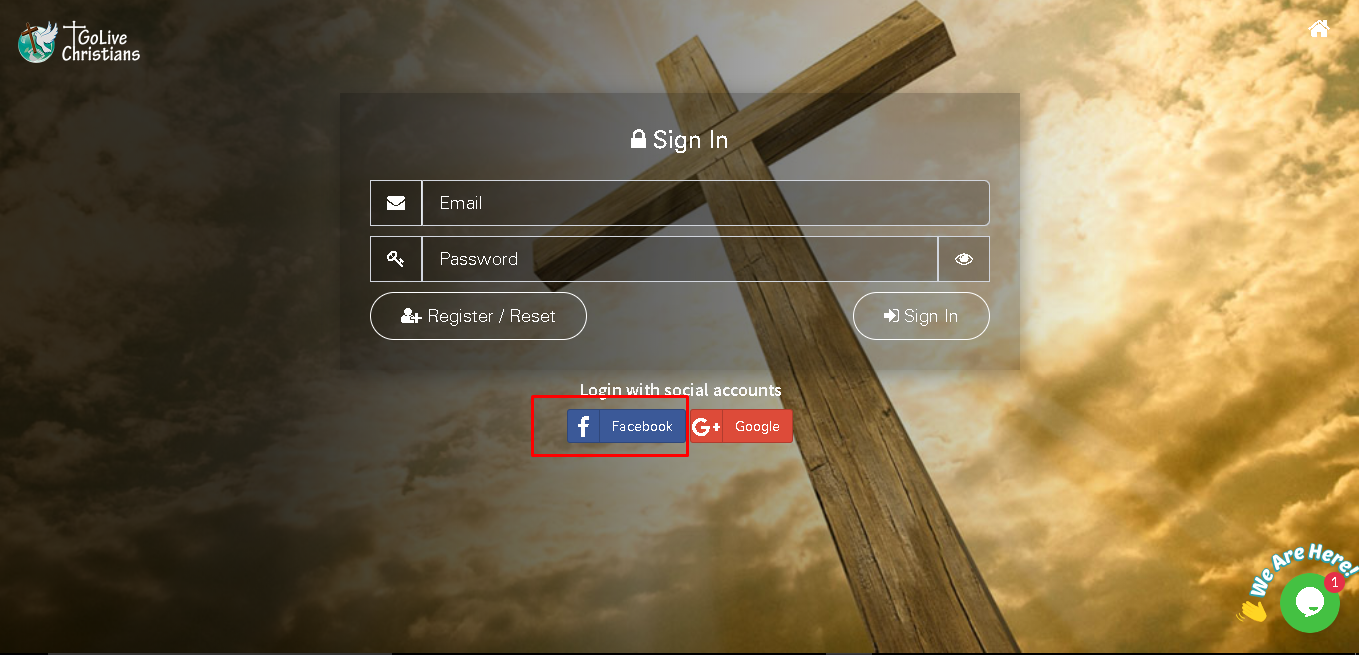
Login with Social Account like Facebook and Google+
User can login with Facebook account click on facebook
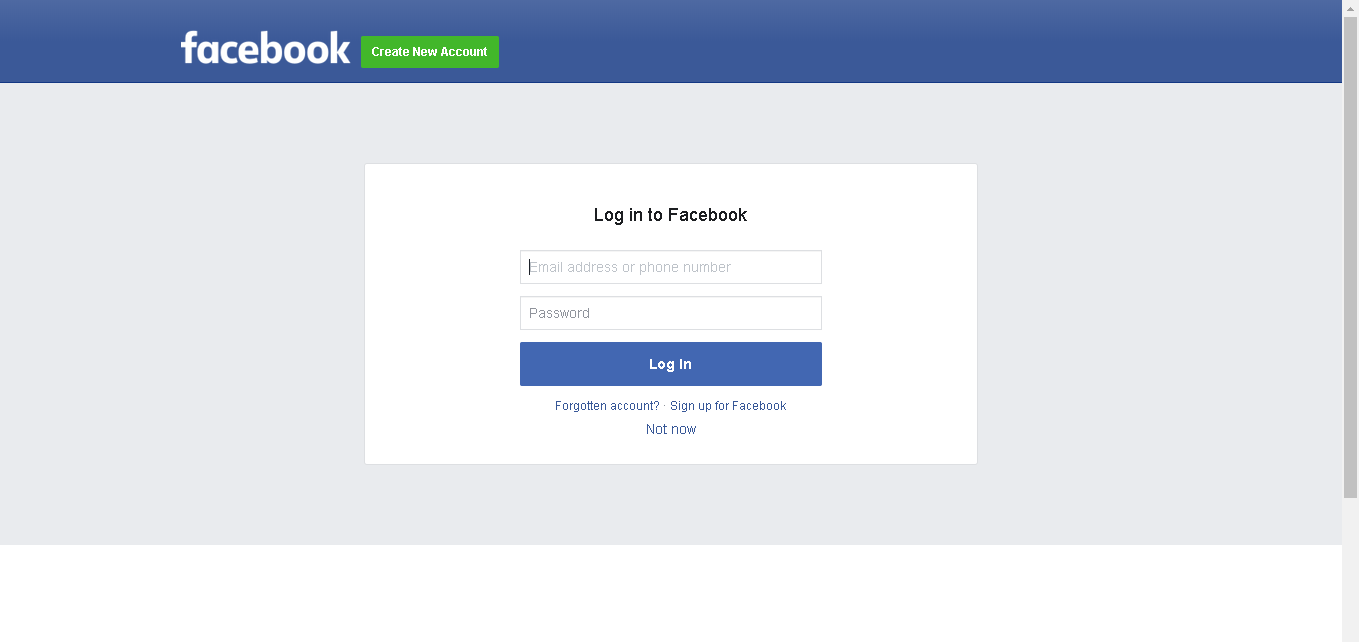
Enter facebook email id or mobile number and password and click on login button user automatically nevigate on home page of GLC
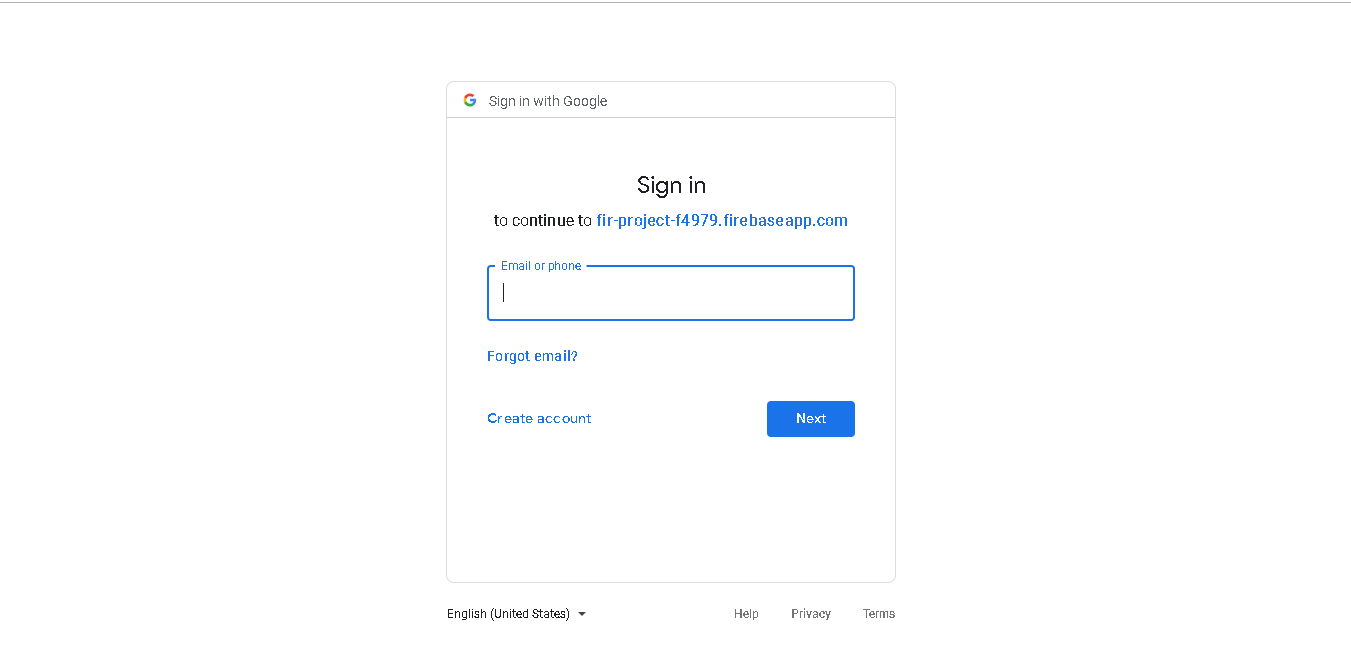
User can login with Google+ account click on Google+ button
Enter Email id and password after that user automatically nevigate to Home page of GLC
User enter wrong password then forgot password button enable user can reset password after click on forgot password link