Channel Management
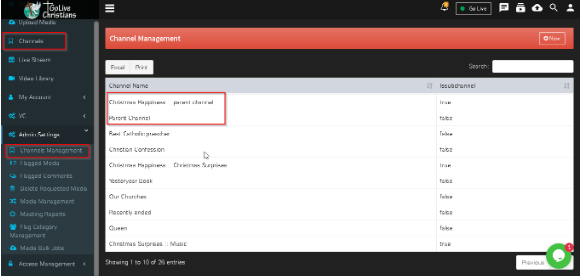
Created Channel display in Channel management of Admin Settings
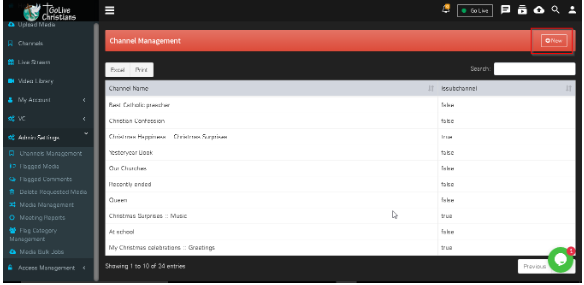
Click on New Button to create new Channel . enter Mandatory information and click on save button.
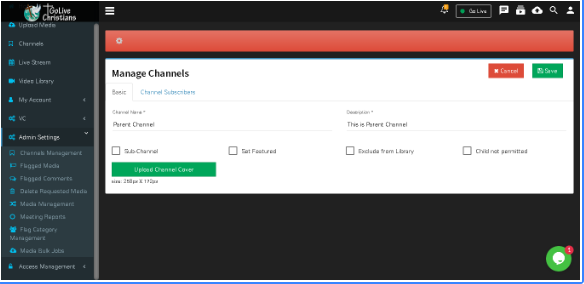
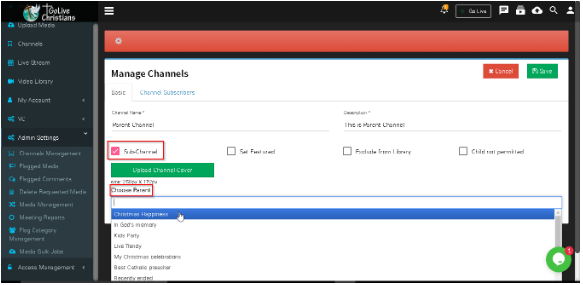
Sub Channel- Click on sub channel check box to create sub channel. select parent channel from dropdown list and click on save button.
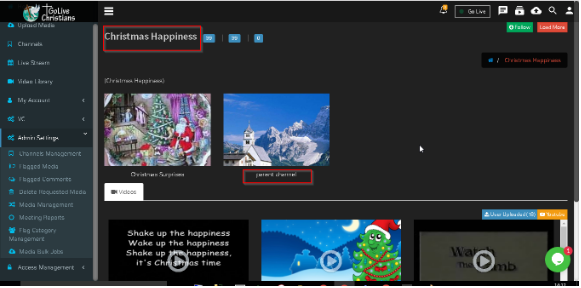
Created Channel and sub channel will display in channel management and channel menu