Webcast
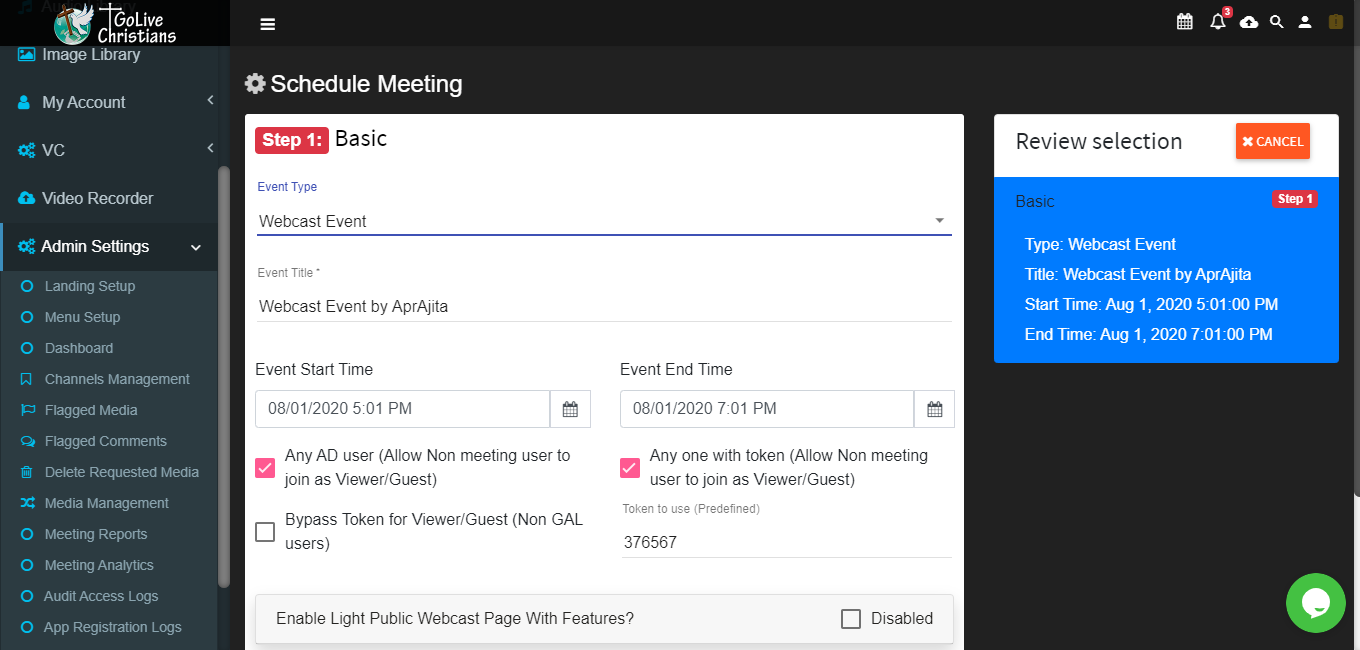
Click on Create Meeting icon and in ‘Basic Info’ tab select Event Type as ‘Webcast meeting’ and fill in relevant info.
After Selected Role and Selected Users get Added then they will be display as below.
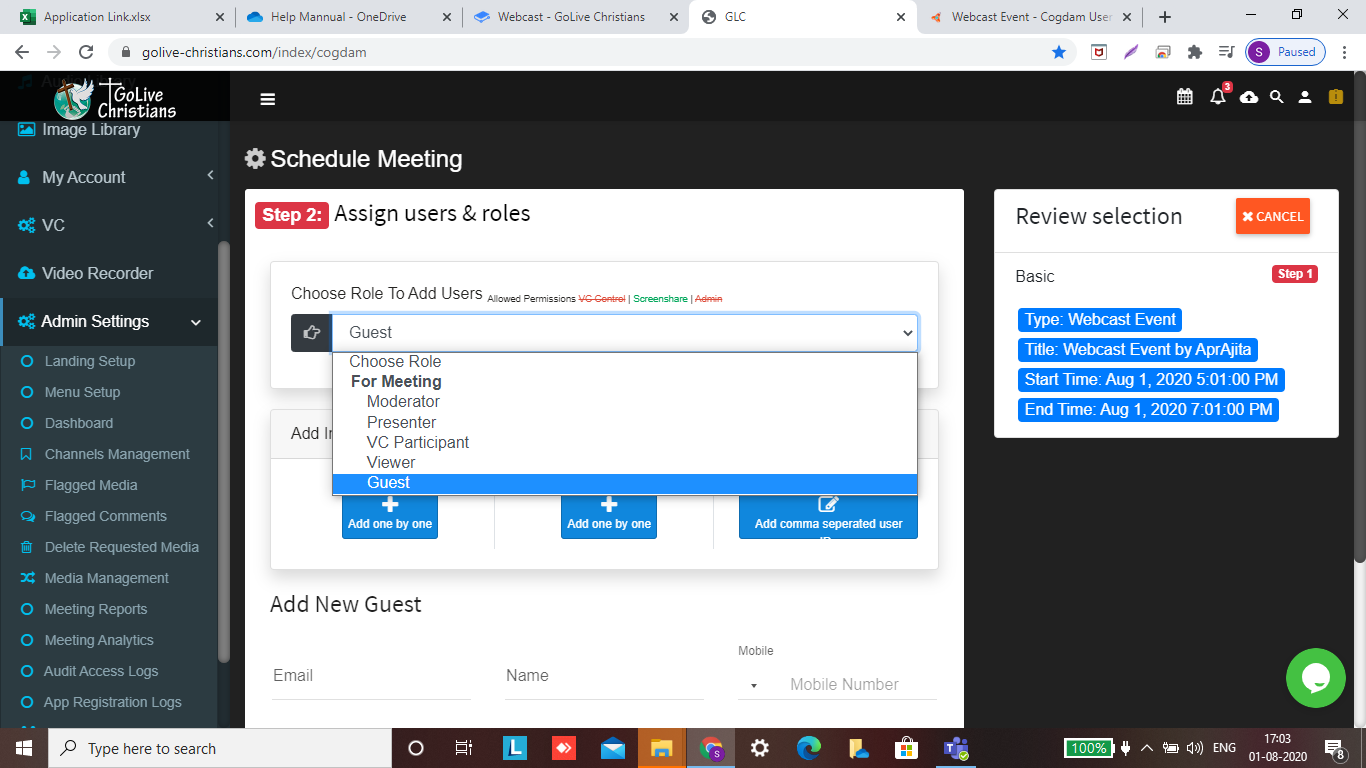
When we select User Role as a’ Guest’ then fill in relevant information and click on ‘Add Guest’ button.
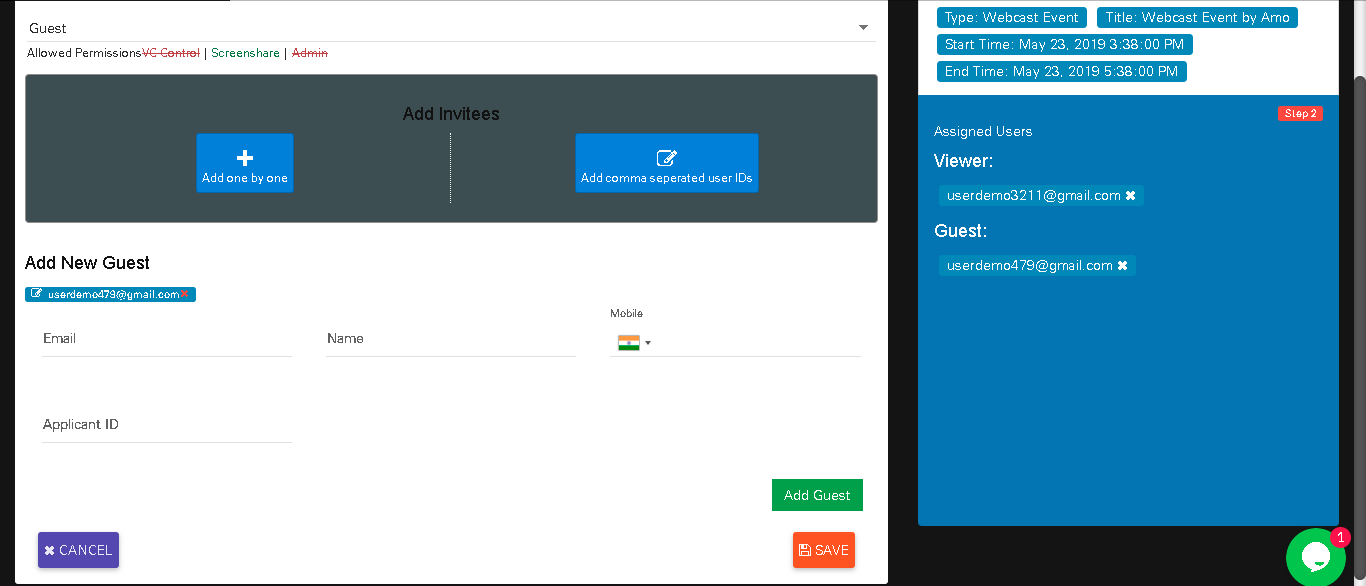
After creation of Meeting will be display in notification bar and on calendar.
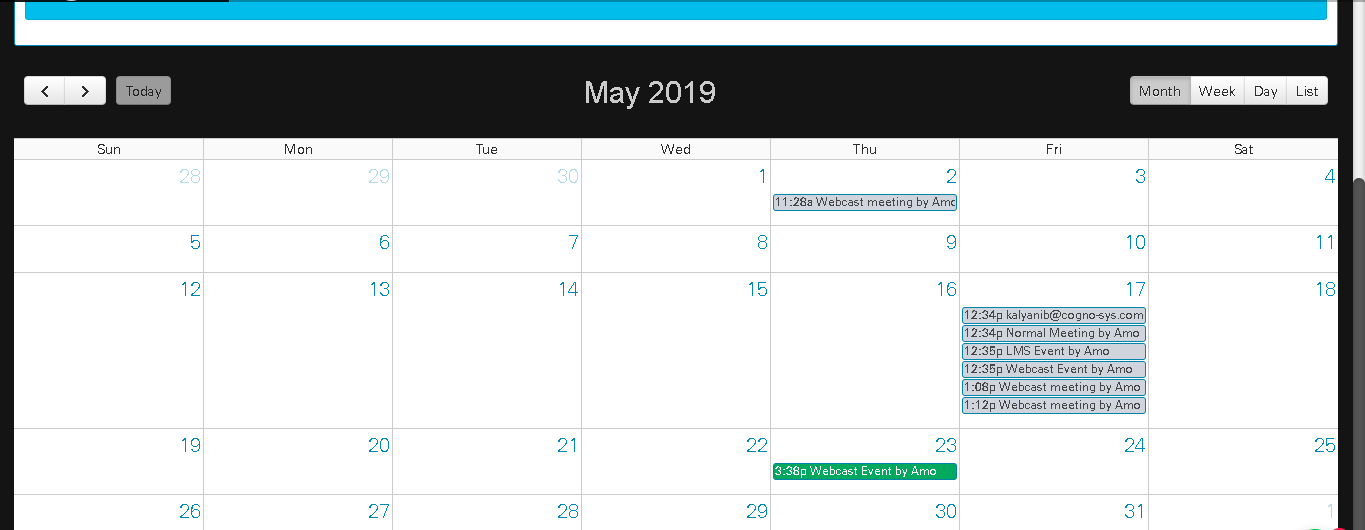
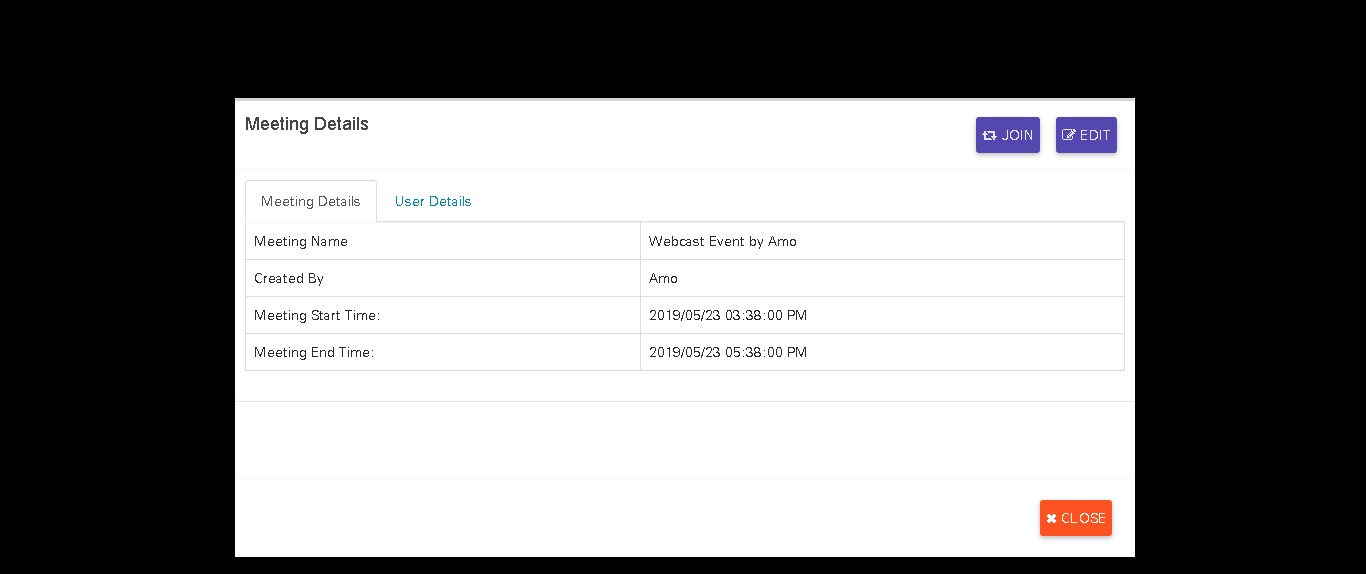
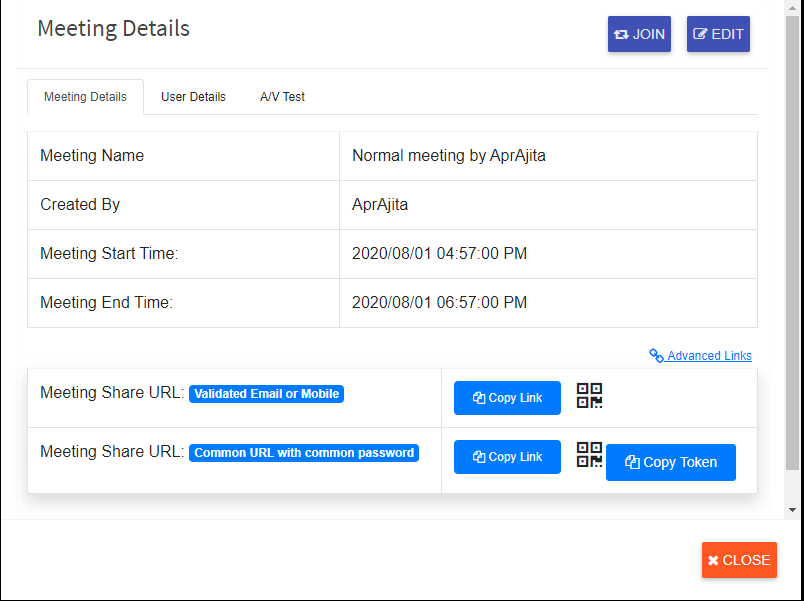
Click on that meeting notification on calendar will show you ‘Meeting Details’ and ‘User Details’ tab. where you can see meeting as well as user details. Now click on ‘Join’ button to join meeting.
Single user link feed
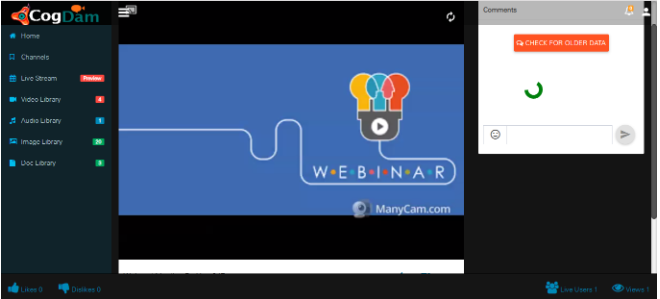
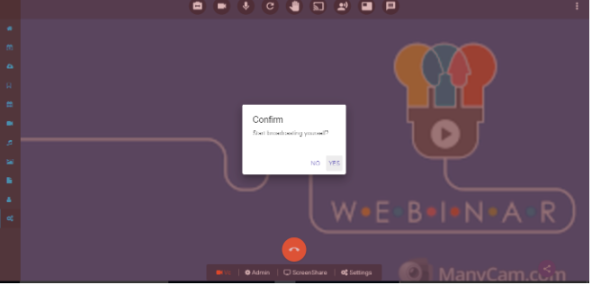
The viewer will get broadcast when streaming status is shown in the bottom links and after screen share is shared then status will change
Users can also share the links From The Meeting Details
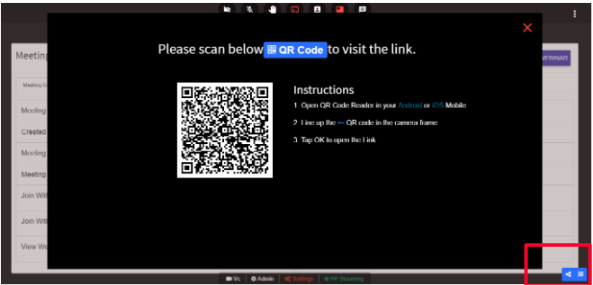
Users can also share the links from scan qr code icon. click on the icon present in bottom right corner or present in settings page
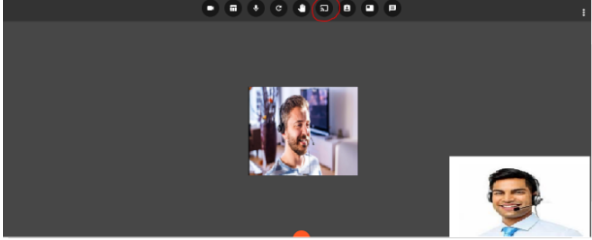
User Can See the options by clicking on three dot Elipse Button given below
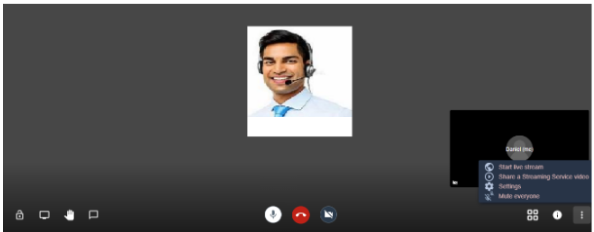
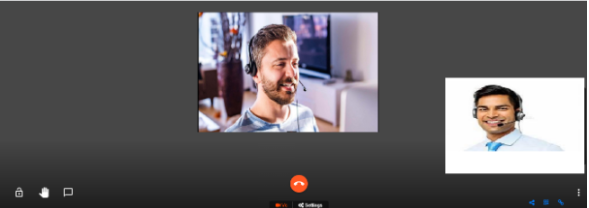
User can Chat ,share the screen and raise hand
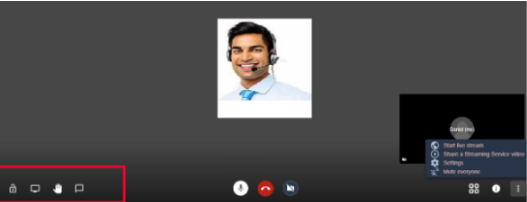
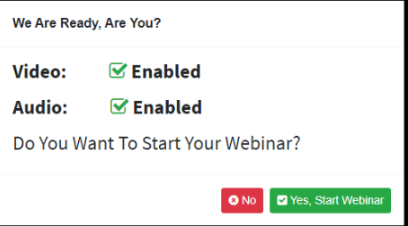
Start The Webcast by Clicking This Icon